Why Business Leaders Should Prioritize the Move from Windows 10 to Windows 11
For years, Windows 10 has been a reliable workhorse for businesses and consumers alike.
For business decision makers, operating systems are not just IT choices—they are risk, productivity, and cost decisions. As Windows 10 reaches the end of its lifecycle, organizations that delay upgrading face growing security exposure, compliance challenges, and operational inefficiencies.
Windows 11 is not a cosmetic refresh. It is Microsoft’s security‑first, enterprise‑ready operating system, designed to support modern workforces, cloud integration, and long‑term IT strategy.
Windows 10 End of Support: A Growing Business Risk
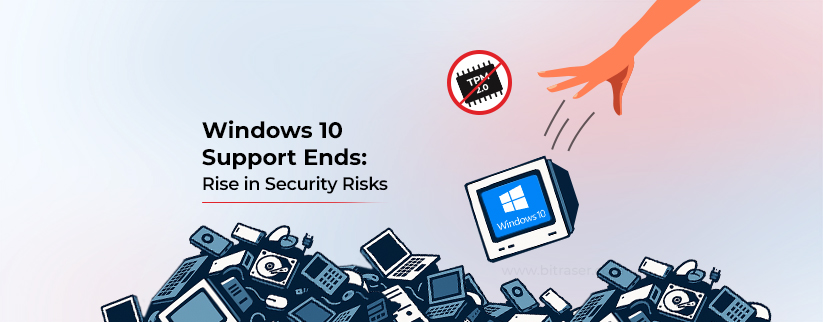
Once Windows 10 is no longer supported, systems stop receiving critical security patches, vulnerability fixes, and quality updates. From a business perspective, this creates several immediate risks:
- Increased exposure to cyberattacks and ransomware
- Higher likelihood of compliance and audit failures
- Reduced eligibility for cybersecurity insurance coverage
- Greater downtime and remediation costs
Unsupported operating systems are a known risk factor for breaches—and a common finding in post‑incident investigations.
Built for a Modern Security Model

Windows 11 was engineered around a zero‑trust security approach. By enforcing modern hardware requirements, it enables protections that Windows 10 could not reliably guarantee across all devices.
Business‑critical security improvements include:
- Hardware‑backed protection with TPM 2.0
- Secure Boot to prevent firmware‑level attacks
- Credential isolation to protect privileged accounts
- Enhanced phishing and malware defenses
The result is stronger protection with fewer operational dependencies on third‑party tools.
Improved Performance and Device Longevity

On modern hardware, Windows 11 delivers measurable performance advantages that directly impact daily productivity:
- Faster system startup and wake‑from‑sleep times
- Improved battery efficiency for mobile workers
- Better CPU utilization on newer processors
For organizations that recently invested in hardware, Windows 11 helps extend device life while improving employee experience.
Productivity Gains for Hybrid and Remote Work
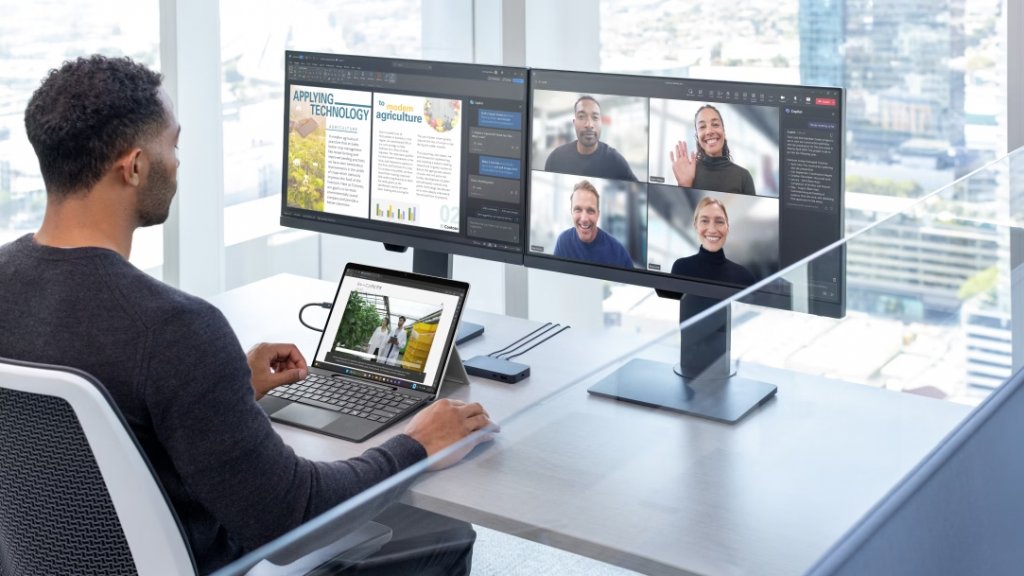
Windows 11 is designed for today’s hybrid workforce, offering subtle but meaningful productivity improvements:
- Snap Layouts and Snap Groups for efficient multitasking
- Cleaner, less distracting user interface
- Improved virtual desktops for role‑based workflows
- Native collaboration integration, including Microsoft Teams
These enhancements reduce friction for employees while improving consistency across departments.
Ensuring Application and Hardware Compatibility

Software vendors and hardware manufacturers are now prioritizing Windows 11 as the baseline operating system. Remaining on Windows 10 increases the risk of:
- Unsupported applications
- Driver incompatibility
- Limited access to future features and integrations
Upgrading ensures continued compatibility and simplifies long‑term IT planning.
A Strategic IT and Financial Decision

From an executive standpoint, upgrading to Windows 11 is not merely a technical upgrade—it’s a risk mitigation and cost‑containment strategy. Proactive upgrades reduce the likelihood of emergency remediation, security incidents, and rushed hardware replacement cycles.
Key business benefits include:
- Reduced cybersecurity risk
- Improved workforce productivity
- Longer hardware lifecycle value
- Alignment with Microsoft’s long‑term roadmap
Executive Summary
Windows 10 end‑of‑support creates a clear inflection point. Organizations that delay upgrading expose themselves to unnecessary risk, while those that move proactively gain a more secure, productive, and future‑ready environment.
For business leaders, upgrading to Windows 11 is not about “new features”—it’s about protecting the organization, enabling employees, and making a smart long‑term investment in IT stability.